Your sales went to zero overnight. The listing is still there. You can open it, you can see it, everything looks normal.
Customers cannot find it.
That is what an Amazon listing suppressed looks like from the seller side: completely normal, and completely invisible.
An Amazon listing suppressed from search is still a live page. It just stopped existing as far as the search box is concerned, which is where almost every sale begins.
Here is the part that surprises people. Most suppressions are not policy violations. They are missing fields, oversized titles and images that break a rule you did not know had changed.
Which is good news, because that kind of problem you can fix this afternoon.
Every figure below comes from Amazon’s own requirements pages, and I have linked them so you can check. If you have an Amazon listing suppressed right now, start at fix number one.
In this guide, you will learn:
- The difference between suppressed, inactive and search suppressed
- Amazon’s title limit, which is far shorter than most sellers think
- The exact main image specs, straight from Amazon’s own guide
- Seven fixes in the order that gets you back fastest
- How long each fix actually takes to take effect
Key Takeaways
- Amazon titles must not exceed 75 characters, including spaces. Most sellers are still writing 150 or more.
- A non-compliant title might not appear in search results, in Amazon’s own words.
- No word may appear in a title more than twice, and brand names count.
- Amazon states it may suppress a listing from search if there is no compliant main image.
- Main images need a pure white background (RGB 255, 255, 255) with the product filling 85% of the frame.
- Images must be 500 to 10,000 pixels on the longest side.
- No text, logos, borders, colour blocks or watermarks on a main image. Ever.
- You need at least three bullet points, each 10 to 255 characters.
- Bullets cannot contain emojis, trademark symbols, ASINs or claims like “eco-friendly”.
- Titles cannot use !, $, ?, _, {, }, ^ or promotional phrases like “free shipping”.
- Image changes can take up to 24 hours to show. Title changes take 24 to 48 hours.
- A new Item highlights field exists for the detail your title no longer has room for.
Suppressed, Inactive or Search Suppressed?
Three words that sound alike and mean different things. Get this wrong and you will spend hours fixing a problem you do not have.
An Amazon listing suppressed from search is not the same as one Amazon has switched off.
| Status | What it means | Usual cause |
|---|---|---|
| Search suppressed | The page works, but it does not show up in search | Missing or non-compliant title, image or required attribute |
| Suppressed | The listing is hidden until you fix the flagged data | Missing required information for that category |
| Inactive | The listing is switched off entirely | Out of stock, pricing error, or a policy issue |
Search suppressed is the sneakiest of the three, because nothing looks broken.
Your listing loads. Your stock is fine. Your price is fine. You send yourself the link and it works perfectly, which is exactly why sellers spend a week convinced Amazon is imagining things.
Go to Manage All Inventory in Seller Central and look for the suppressed filter. Amazon tells you which field is causing it. That is your starting point, not your guess.
If you sell through FBA, check there too. Stock sitting in a fulfilment centre attached to a hidden listing still accrues storage costs, which is one of the quieter frustrations of running an FBA operation.
7 Proven Fixes for an Amazon Listing Suppressed From Search
Work down this list in order. For most sellers with an Amazon listing suppressed today, the first two fixes solve it.
1. Cut Your Title to 75 Characters
This is the fix nobody expects, and right now it is the most common cause of an Amazon listing suppressed from search. The number changed. Most advice online did not.
Amazon’s product title requirements now state plainly: titles must not exceed 75 characters, including spaces.
Not 200. Not 130. Seventy-five.
If you are reading an article that says otherwise, check its date and then check Amazon’s page.
Here are Amazon’s own two examples, one compliant and one not.
75 characters, and Amazon’s own bad example is 193
Both titles below are published by Amazon in its product title guidelines, one as compliant and one as non-compliant.
Character counts measured from the exact example titles in Amazon’s product title requirements. Media product types and a few stores are excluded from these rules.
Look at that bad example again. It is not spammy. No keyword stuffing, no shouting, no nonsense.
It is just a normal, descriptive, slightly enthusiastic title of the kind that worked fine for a decade.
That is why so many perfectly sensible sellers woke up to an Amazon listing suppressed for a title they had used happily for years.
What to keep, in this order:
- Brand. Always first.
- What the thing is. Jacket. Headphones. Boots.
- The one attribute buyers filter by. Usually size or colour.
- Stop. Everything else goes elsewhere.
Amazon has added a field called Item highlights for exactly this reason. All the detail that used to live in a sprawling title now has a home that will not get you suppressed.
Rewriting a whole catalogue to 75 characters is genuinely tedious work. It is also the highest-value afternoon most Amazon sellers will spend this year, and it is the core of any real listing optimisation pass.
2. Remove Words You Used More Than Twice
Separate rule, same page, and it produces an Amazon listing suppressed for reasons that look invisible at a glance.
No word may appear in your title more than twice.
Amazon’s example of a title that breaks this: “Baby Boy Outfits Baby Boy fall Winter Clothes Baby Boy Long Sleeve Suspender Outfit Sets”.
“Baby” appears three times. So does “Boy”. That title is out.
Two details worth knowing. Small joining words like “and”, “the” and “for” are exempt. Brand names are not, so a brand that repeats in your title counts against you like any other word.
There is a sensible exception. If part of a brand name shows up in a genuinely different context, such as “Old Navy” and “navy blue”, Amazon does not treat that as a repeat.

3. Fix the Main Image
Amazon says this outright in its product image guide: if there is no main image that meets the requirements, it may suppress the listing from search until you provide one.
That is not a warning. That is the mechanism behind an Amazon listing suppressed for images, described by Amazon itself.
Here is the full specification, so you can check yours in about two minutes.
| Requirement | The rule |
|---|---|
| Size | 500 to 10,000 pixels on the longest side |
| Background | Pure white, RGB 255, 255, 255 |
| Product size in frame | 85% of the image |
| File format | JPEG recommended; PNG, TIFF and non-animated GIF allowed |
| Not allowed | Text, logos, borders, colour blocks, watermarks, other graphics |
| Also not allowed | Props not included, mannequins of any kind, packaging (unless it is the product) |
| Framing | The whole product, uncut, shown once only |
The two that catch people most often are worth calling out.
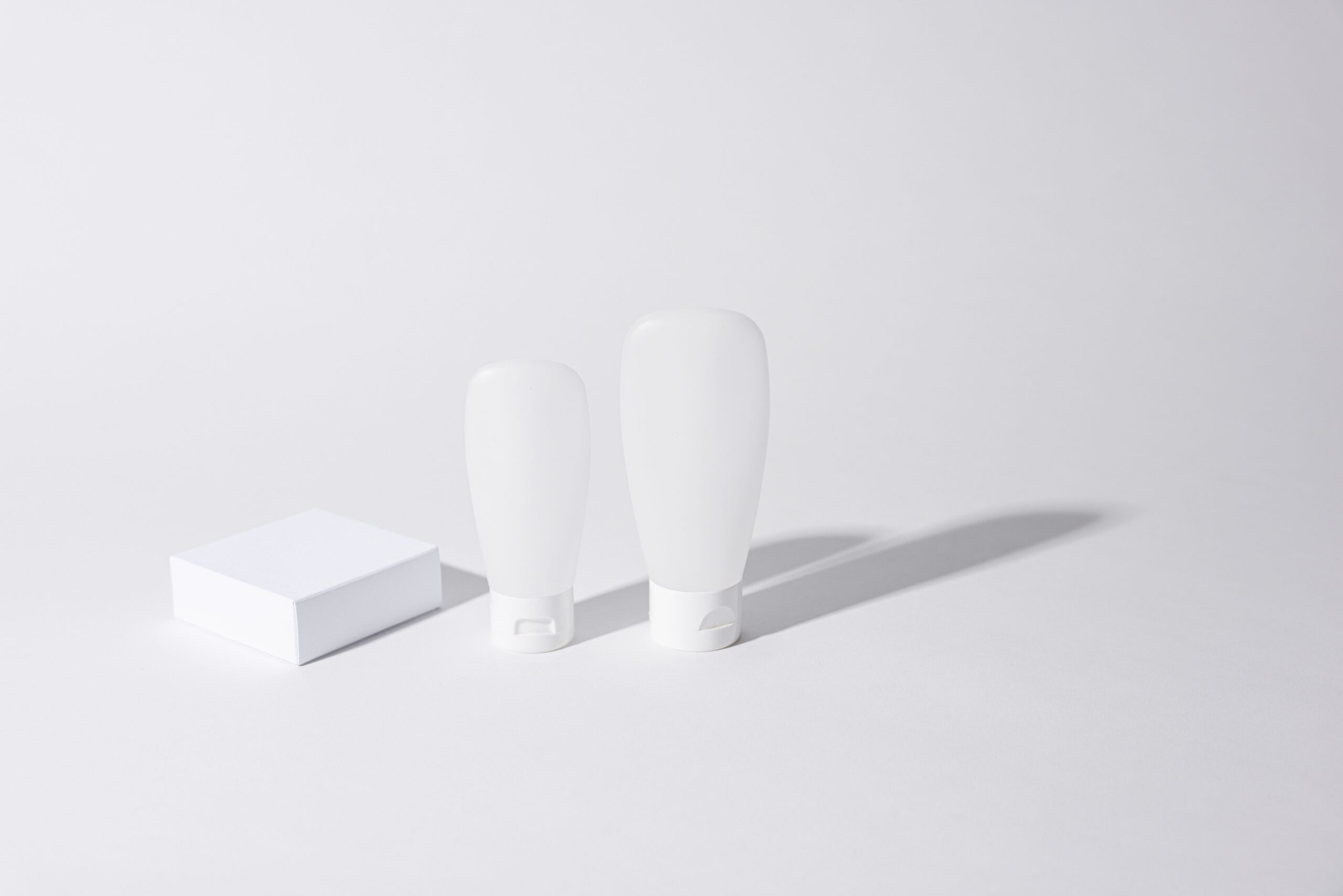
Pure white means pure white. RGB 255, 255, 255 and nothing else. Off-white, cream, very-slightly-grey and “it looks white on my monitor” all fail.
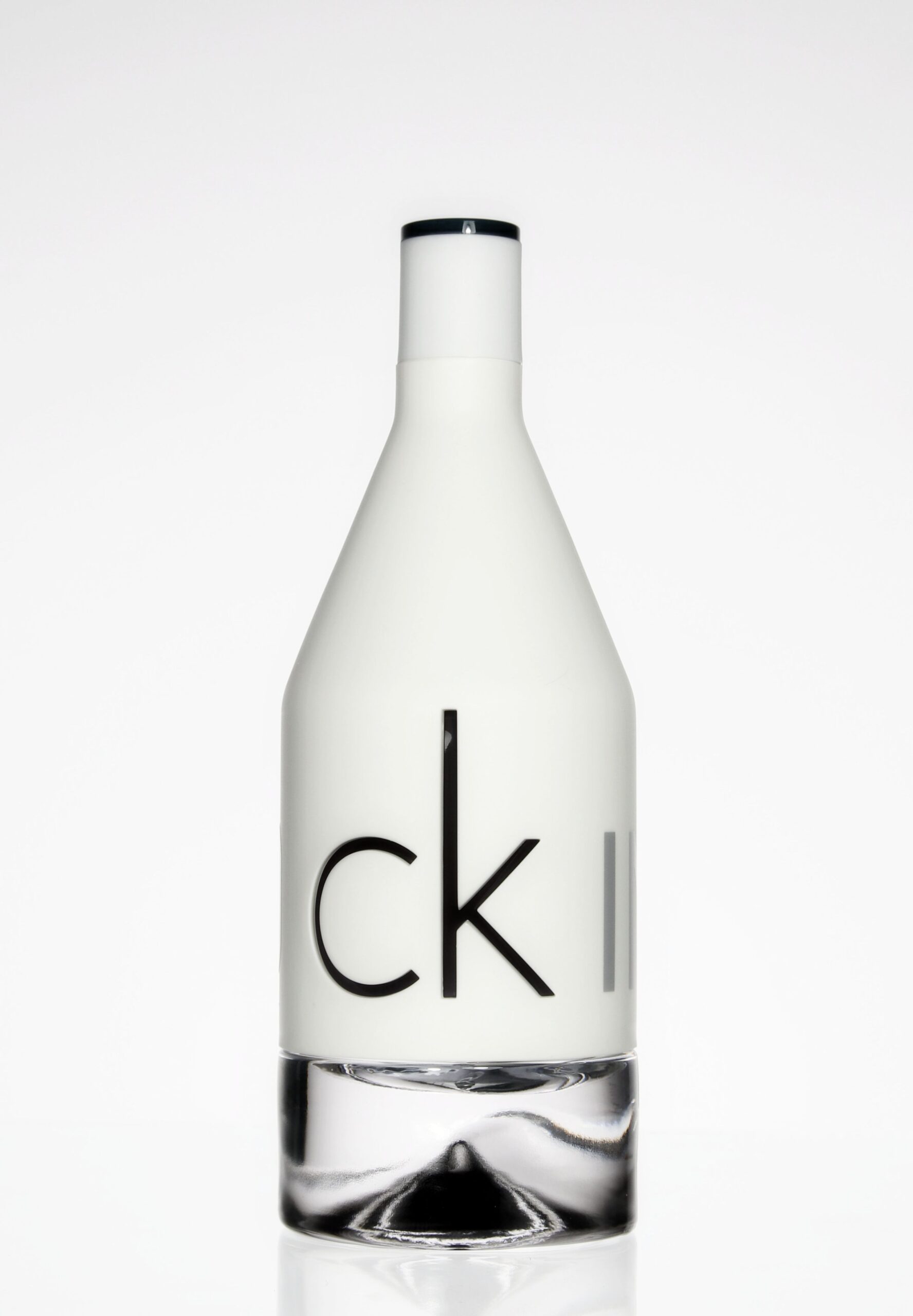
No text means no text. Not a small logo in the corner, not a “50% off” flash, not a subtle border you added to make it look tidy. A machine is checking, and it has no taste to appeal to.
One more that trips up footwear sellers. A single shoe, facing left, at a 45-degree angle. Not a pair. Amazon is specific about this and does not negotiate.
If your images are the problem across a whole catalogue, that is usually a reshoot rather than a retouch, and it is worth doing properly. Good listing production pays for itself the first time a suppression does not happen.
4. Strip Banned Characters and Promotional Phrases
Quick to check, quick to fix, and easy to trigger by accident.
Characters banned from titles outright: ! $ ? _ { } ^ and a couple of rarer ones.
Others, such as ~ # < > and *, are allowed only when they do real work. “Style #4301” is fine. “<< Size Kids XXS >>” is not, because the symbols are decoration.
Promotional phrases banned from titles: anything like “free shipping” or “100% quality guaranteed”. Restricted phrases such as “FSA/HSA eligible” are out too.
That exclamation mark you added for energy is doing the opposite of energy.
5. Repair Your Bullet Points
Bullets have their own requirements page, and thin or non-compliant bullets contribute to an Amazon listing suppressed from search.
- At least three bullet points. Two is not enough.
- 10 to 255 characters each. One-word bullets fail the minimum.
- No emojis and no symbols such as trademark, registered, currency marks or ellipses.
- No ASINs and no placeholder text like “N/A” or “TBD”.
- No prohibited claims. This list includes “eco-friendly”, “environmentally friendly”, “anti-microbial”, “anti-bacterial” and “made from bamboo”.
That last one surprises sustainable brands constantly. You may genuinely make the thing from bamboo. You still cannot say so in a bullet.
Amazon’s preferred structure is a short header, a colon, then the explanation. “Cotton fabric: Made from 100% cotton for softness and breathability”. Sentence fragment, no full stop at the end.
Boring? Yes. Consistent with what the algorithm expects? Also yes, and only one of those pays you.
6. Fill In the Required Category Attributes
Every category has fields Amazon insists on, and they are not the same fields. A blank one is enough on its own to get an Amazon listing suppressed.
Clothing wants size and colour. Electronics wants voltage and connectivity. Food wants ingredients. Leave one blank and the listing can be held back until you fill it.
This gets harder the more channels you run, because every marketplace asks for the same product in a different shape. Keeping one clean master record is the only sane approach to selling across several marketplaces.
The good news is that you are not guessing. Amazon names the missing field for you in Manage All Inventory.
Two habits that stop this recurring:
- Fill optional fields too. Today’s optional attribute is next quarter’s required one, and filling it now costs nothing.
- Use the category template for bulk edits. Fixing 400 listings one at a time in the browser is how weekends disappear.
7. Wait the Right Amount of Time Before Panicking
This one is free, and it is why plenty of sellers think they still have an Amazon listing suppressed when they have already fixed it.
Amazon publishes its own processing windows, and they are longer than sellers expect.
How long each fix takes to actually show
Processing windows published by Amazon. Editing again mid-window just restarts the clock.
Windows stated in Amazon’s product image guide and product title requirements.
So the sequence is: fix everything you can find, submit it all together, then leave it alone for two days.
Sellers who edit the same listing six times in an afternoon are not speeding anything up. They are just restarting a queue over and over, like pressing a lift button repeatedly.
The 10-Minute Suppression Triage
Found an Amazon listing suppressed this morning? Run this before you do anything else.
- Count the title characters. Paste it into any word counter. Over 75 and you have found your problem.
- Scan for repeated words. Any word appearing three times is a violation on its own.
- Open the main image full size. Is the background truly white? Any text, logo or border anywhere?
- Check the pixel dimensions. Under 500 on the longest side and it will never be compliant.
- Count your bullets. Fewer than three, or any under 10 characters, needs fixing.
- Read the flagged field that Amazon names in Manage All Inventory, and fix that too.
- Submit everything at once, then wait 48 hours without touching it.
Seven steps, ten minutes, and it clears most cases of an Amazon listing suppressed without a single support ticket.
Our free Amazon listing score checker will flag several of these for you if you would rather not do it by eye.
What a Suppressed Listing Actually Costs You
It is tempting to treat this as admin. It is not admin, it is lost revenue with a clock on it.
Take a modest product doing $400 a day. Here is what each stage of noticing costs.
The price of noticing late
Lost sales on one product turning over $400 a day, by how long it sat suppressed before anyone spotted it.
Arithmetic, not a study: $400 a day multiplied by 1, 7 and 30 days. Swap in your own daily figure and the shape stays the same.
The bar on the right is the argument for a five-minute check every Monday.
It is also worth knowing what the same product costs you when it is selling. Our breakdown of what Amazon FBA management costs covers the fee side of the equation.
There is a second cost that does not show on any chart. Thirty days of no sales tells Amazon’s ranking systems that nobody wants your product, and that impression takes longer to undo than the suppression did.
How to Stop It Happening Again
An Amazon listing suppressed is rarely a one-off. If one listing broke a rule, others in the same catalogue almost certainly do too.
So do the sweep now, while you know what you are looking for. Finding a second Amazon listing suppressed for the same reason takes minutes once you know the rule.
- Export your full inventory and sort titles by character count. Everything over 75 gets rewritten.
- Audit main images in bulk. One glance at a contact sheet finds every stray logo and grey background.
- Check the suppressed filter weekly. Catching it on day one instead of day thirty is the whole game.
- Watch your best sellers hardest. A suppressed hero product costs more in a week than the rest of the catalogue does in a month.
That weekly check is the habit that separates sellers who lose a day to this from sellers who lose a quarter. It belongs in the same routine as your stock and pricing review, which is what proper account management actually consists of.
And once the listing is visible again, the ranking work starts. Compliance gets you back on the shelf; Amazon SEO decides which shelf.
Frequently Asked Questions
Why is my Amazon listing suppressed?
An Amazon listing suppressed almost always means a required piece of data is missing or breaks a rule. The most common causes are a title over 75 characters, a main image that is not on a pure white background, fewer than three bullet points, or a required category attribute left blank. Amazon names the offending field in Manage All Inventory.
What is the Amazon title character limit?
75 characters including spaces. This applies to all product types except media, and in all stores except Saudi Arabia, Egypt, Türkiye and the United Arab Emirates. Many older articles still quote 130 or 200 characters, which is out of date.
What is the difference between suppressed and search suppressed?
An Amazon listing suppressed from search still works as a page but does not appear in Amazon search results, so customers cannot find it unless they have the direct link. A suppressed listing is hidden until you supply the missing information. Inactive means the listing is switched off entirely, usually for stock, pricing or policy reasons.
How long does it take for a suppressed listing to come back?
An Amazon listing suppressed for an image issue can take up to 24 hours to reappear on the detail page after you fix it, and title or Item highlights changes take 24 to 48 hours to process. Submit all your fixes together and then wait, because editing again during the window restarts the processing rather than speeding it up.
What are Amazon’s main image requirements?
The main image must be 500 to 10,000 pixels on the longest side, on a pure white background of RGB 255, 255, 255, with the product filling 85% of the frame. No text, logos, borders, colour blocks or watermarks are allowed, and the whole product must be shown once, uncut, without props or mannequins.
Can a repeated word really get my listing suppressed?
Yes. Amazon states that titles must not contain the same word more than twice, and that non-compliant titles might be corrected automatically or might not appear in search results. Prepositions, articles and conjunctions are exempt, but brand names are not.
Where do I find suppressed listings in Seller Central?
Go to Manage All Inventory and use the suppressed filter. Amazon lists the affected products along with the specific field causing the problem, which tells you exactly what to fix instead of leaving you to guess.
Where do I put the details that no longer fit in my title?
Amazon introduced a field called Item highlights for exactly this. Descriptive detail that used to be crammed into a long title now belongs there, in your bullet points, or in the product description, none of which carry the 75-character limit.
Why can I not say my product is eco-friendly?
Amazon lists “eco-friendly”, “environmentally friendly”, “anti-microbial”, “anti-bacterial” and “made from bamboo” among prohibited claims in bullet points, and says bullets containing them may be removed or updated. The restriction is about unverifiable claims, not about whether your product genuinely qualifies.
Does a suppressed listing lose its reviews and ranking?
Reviews stay attached to the ASIN. With an Amazon listing suppressed, ranking is the real casualty, because sales history drives placement and a listing nobody can find stops making sales. The longer it stays hidden, the more ground you have to make back afterwards.
Do I need to open a case with Seller Support?
Usually not. An Amazon listing suppressed is normally a data problem you can fix yourself in minutes, and a case will simply tell you the same thing more slowly. Open one only if you have fixed every flagged field, waited the full 48 hours, and the listing is still hidden.
Should I delete and relist instead of fixing it?
No. Deleting throws away the review history and sales rank attached to that ASIN, and the new listing will be suppressed for exactly the same reason if you have not fixed the underlying data. Fix the field, keep the history.
The Bottom Line
An Amazon listing suppressed from search is almost never a punishment. It is a form with a blank on it.
Check the title length first. The 75-character rule has produced more cases of an Amazon listing suppressed than everything else on this page combined.
Then the main image, then the bullets, then whatever field Amazon has named for you.
Submit it all in one go and leave it for 48 hours. Resist the urge to keep poking.
And then go and check the rest of your catalogue, because whatever rule caught this listing is almost certainly sitting quietly in a dozen others.
One Amazon listing suppressed is an inconvenience. Twelve of them is a bad quarter.
Want someone to run that sweep for you? Book a free 30 minute call and we will audit your catalogue against the current rules. If your account has bigger problems than a blank field, our marketplace suspension playbook covers the serious end of the scale.